I’ve already done a recent post on my methodology for backing up my Github Repo, but I also use Gist, and while I could have added that to the Github backup, I didn’t want them backing up in the same place, and I run them at different times. Plugins and dev work go on Github and Snippets, trial and error go in a gist.
I’ve been using Gist more and more since I added Gisto to my workflow. A Windows-based interface has allowed me to use it without a browser, and just like the command line and git, this makes the workflow so much more efficient.
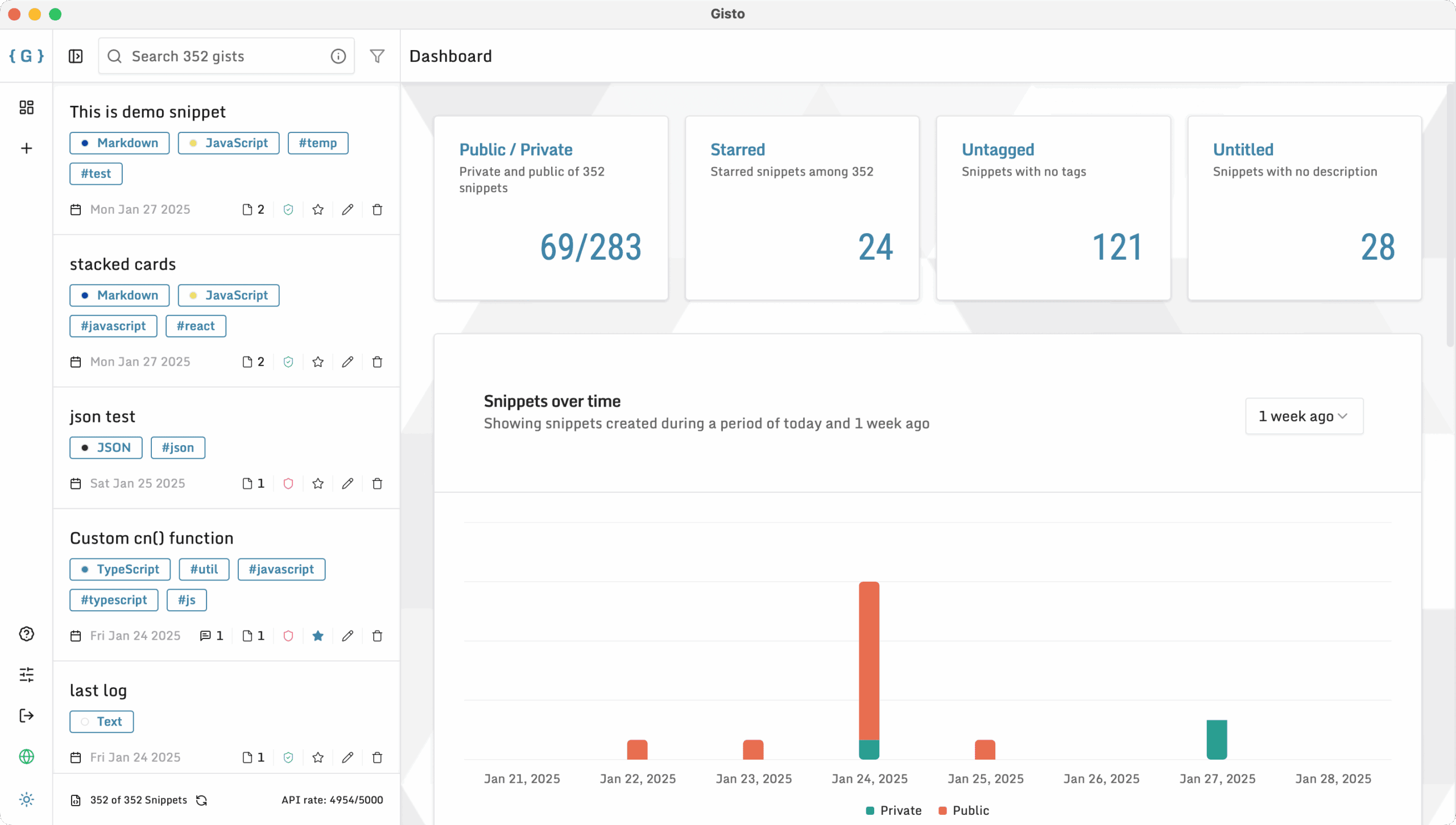
I continue to work on this workflow, but one of the things I needed to fix was backups. Below is the code I settled on.
@echo off
setlocal EnableDelayedExpansion
REM ───────────────────────────────────────────────────────────────
REM CONFIGURATION — set these before you run the script:
set "GITHUB_USER=XXXXX"
set "GITHUB_TOKEN=github_pat"
set "BACKUP_DIR=C:\GitHub Backup\Gists Backup"
REM ───────────────────────────────────────────────────────────────


if not exist "%BACKUP_DIR%" mkdir "%BACKUP_DIR%"

REM path to temporary PowerShell script
set "PS1=%TEMP%\backup_gists.ps1"

REM write the PowerShell script, escaping all batch‑special chars
(
  echo( $ErrorActionPreference = 'Stop'
  echo( $gists = Invoke-RestMethod -Headers @{ Authorization = "token %GITHUB_TOKEN%" } -Uri "https://api.github.com/users/%GITHUB_USER%/gists?per_page=100"
  echo( foreach ^( $g in $gists ^) ^{
  echo(     # pick description or ID
  echo(     $desc = if^($g.description^) ^{ $g.description ^} else ^{ $g.id ^}
  echo(     # sanitize folder name
  echo(     $safe = $desc -replace '[\\\/:*?"<>|]','_'
  echo(     # trim trailing spaces or dots
  echo(     $safe = $safe.TrimEnd^(' ','.'^)
  echo(     # limit length to 100 characters
  echo(     if^($safe.Length -gt 100^) ^{ $safe = $safe.Substring^(0,100^) ^}
  echo(     $target = Join-Path "%BACKUP_DIR%" $safe
  echo(     if ^(-not ^( Test-Path $target ^) ^) ^{
  echo(         Write-Host "Cloning : $safe"
  echo(         git clone $g.git_pull_url $target
  echo(     ^} else ^{
  echo(         Write-Host "Updating: $safe"
  echo(         Push-Location $target; git pull; Pop-Location
  echo(     ^}
  echo(     # write full description into description.txt
  echo(     $desc ^| Out-File -LiteralPath ^(Join-Path $target 'description.txt'^) -Encoding UTF8 -Force
  echo( ^}
) > "%PS1%"


REM execute and clean up
powershell -NoProfile -ExecutionPolicy Bypass -File "%PS1%"
del "%PS1%"

echo.
echo All done!
endlocalSo files are written into a truncated Windows safe folder name, but in addition, the full description is written to a text file in the base directory, which means I don’t lose any details.
Both this and my GitHub backup sit on the path, and as such, to update them quickly, I only have to type gist or GitHub and it will run the backup protocol for me.